
Collect and Process Data with a Web Form
Use a Web Form Trigger to collect structured event registrations, validate and normalize every submission, store one deterministic record, and send a confirmation email. This guide extends Hack It - Registration Form with a validation boundary between the public form and blocks that change external state.
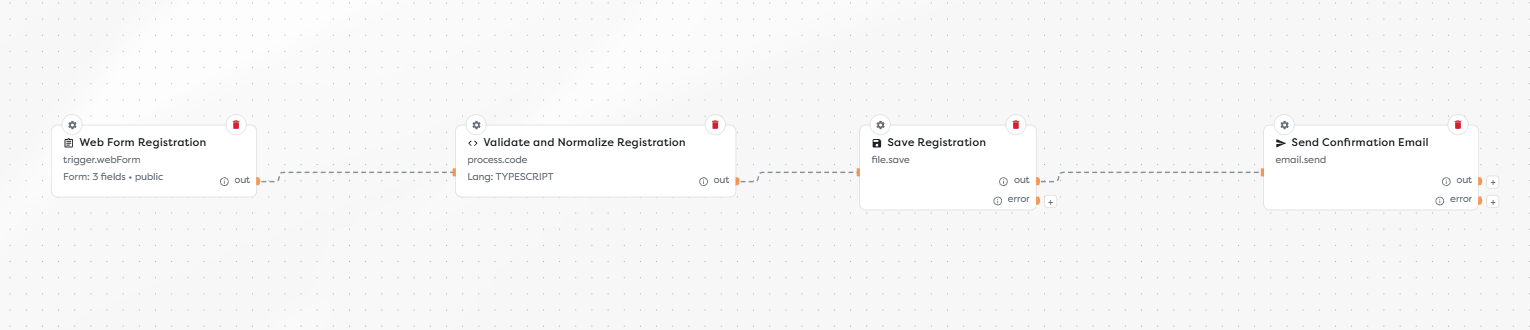
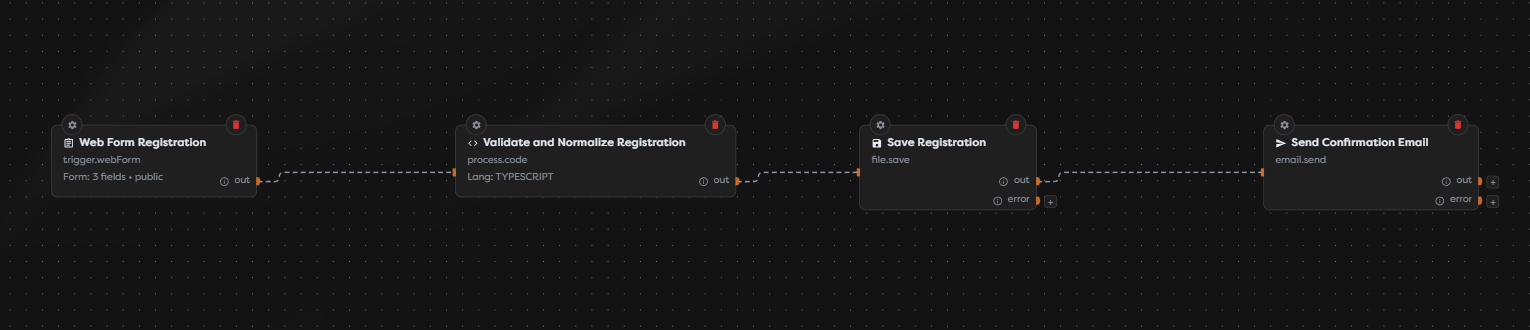
The workflow executes in this order:
- Web Form Registration collects the attendee's name, email address, and workshop.
- Validate and Normalize Registration treats the submission as untrusted input and produces a stable data contract.
- Save Registration writes a JSON record to Static Drive using a deterministic path.
- Send Confirmation Email contacts the normalized address only after storage succeeds.
Before you begin
You need a project, a draft pipeline version, Static Drive access, and a configured email integration. Build and test with non-sensitive addresses before publishing the form.
This example uses public authorization. A public form does not establish the submitter's identity and does not by itself provide CAPTCHA, rate limiting, or duplicate protection. Add controls appropriate to the form's exposure and the cost of downstream actions.
1. Define the form contract
Add a Web Form Trigger and label it Web Form Registration. Set the form root key to form, then use stable field keys that downstream blocks can depend on.
| Field | Key | Submitted value | Downstream rule |
|---|---|---|---|
| Full Name | name | Text | Trim, collapse repeated whitespace, and require 2-120 characters |
email | Text | Trim, lowercase, and validate before use | |
| Workshop Selection | workshop | Dropdown option value | Accept only workshop_a or workshop_b |
The workshop dropdown may display human-readable labels while submitting machine values. This form also contains a none option as its initial value, but the processing block rejects it. Do not rely on a required browser field or dropdown configuration as the only validation boundary: a caller can submit a direct request that bypasses the rendered form.
2. Preview the attendee experience
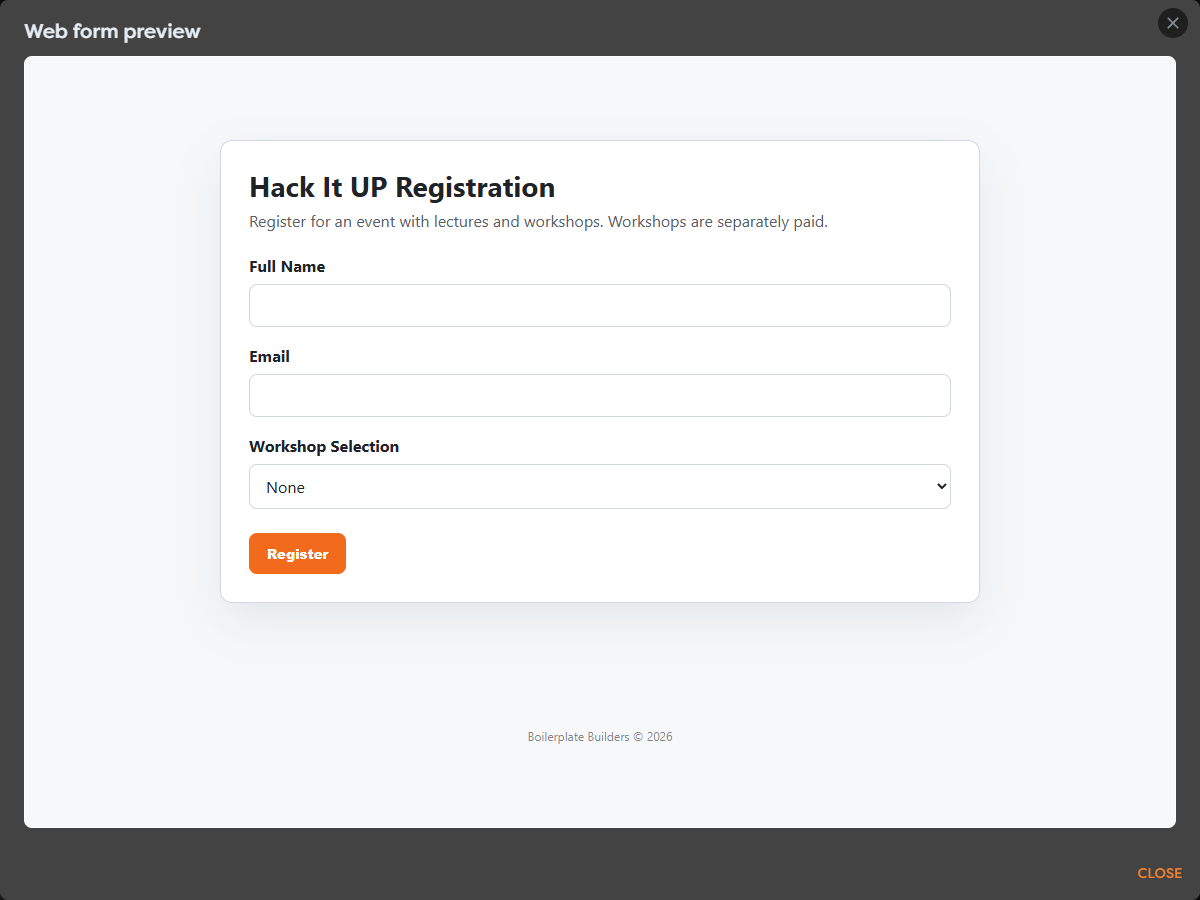
Set a clear title, description, submit label, and after-submit message. Preview the form before publishing and check keyboard navigation, labels, and the narrowest supported viewport.
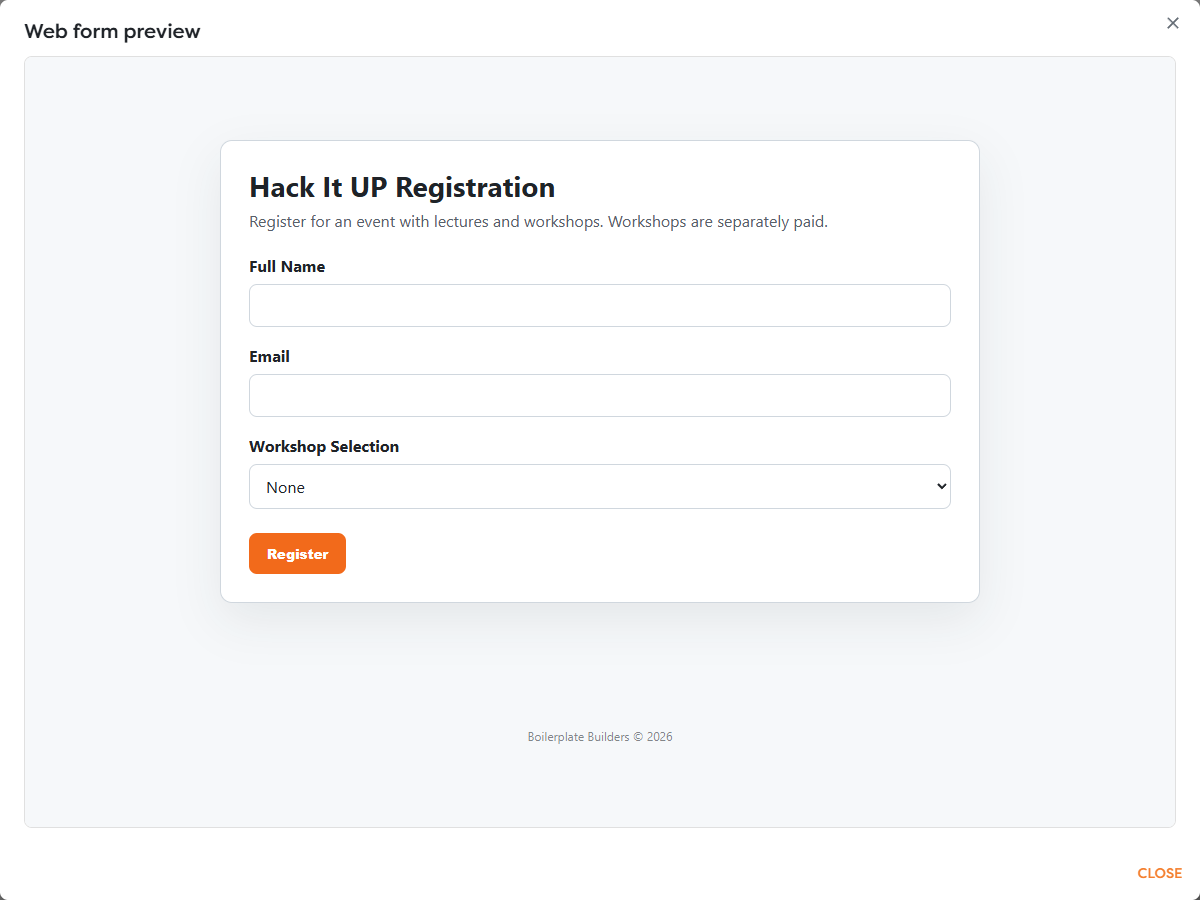
The after-submit message confirms that Builders accepted the form request. It does not prove that every downstream block completed successfully. Use run monitoring and an explicit status workflow when the distinction matters to users.
3. Validate and normalize immediately
Connect the trigger to a Code block named Validate and Normalize Registration. Keep validation before storage, email, database, or integration actions.
export async function run(input: any, ctx: BuildersRuntimeContext) {
const source = input?.form ?? {};
const name = String(source.name ?? "").trim().replace(/\s+/g, " ");
const email = String(source.email ?? "").trim().toLowerCase();
const workshop = String(source.workshop ?? "").trim();
const allowedWorkshops = new Set(["workshop_a", "workshop_b"]);
if (name.length < 2 || name.length > 120) {
throw new Error("Enter a valid full name.");
}
if (!/^[^\s@]+@[^\s@]+\.[^\s@]+$/.test(email)) {
throw new Error("Enter a valid email address.");
}
if (!allowedWorkshops.has(workshop)) {
throw new Error("Select an available workshop.");
}
const registrationKey = (email + "--" + workshop)
.replace(/[^a-z0-9@._-]+/g, "-");
const form = { name, email, workshop };
ctx.log("Registration validated", { workshop });
return {
...input,
form,
registrationKey,
recordJson: JSON.stringify({
event: "hack-it-up-2026",
...form,
submittedAt: new Date().toISOString()
}, null, 2)
};
}
The email check is a pragmatic format check, not a complete proof that the mailbox exists. Verification email or an identity provider is required when ownership matters. Avoid logging names, email addresses, raw form bodies, or other personal data.
4. Store a deterministic record
Connect the Code block to Save File and select Static Drive. Save the text value {{input.recordJson}} at:
event-registrations/hack-it-up-2026/{{input.registrationKey}}.json
The key is derived only after normalization and restricted to a path-safe character set. The same normalized email and workshop therefore resolve to the same object path. Repeated submissions overwrite that record instead of creating unbounded copies.
This is storage idempotency, not workflow-wide exactly-once processing. A retry can still reach the email block again. Also define retention, access, export, and deletion rules for registration records before collecting real attendee data.
5. Enforce strict duplicate suppression when required
Use a database constraint when duplicate submissions must not repeat an external effect such as sending email, reserving a seat, or charging a customer.
| Approach | What it guarantees | Appropriate use |
|---|---|---|
| Deterministic Static Drive path | Repeated keys replace one stored object | Simple collection where repeated notifications are acceptable |
| Database unique constraint and conditional insert | One accepted row for a defined business key | Registration, allocation, billing, and other stateful workflows |
For PostgreSQL, a unique index can enforce the event registration identity:
CREATE UNIQUE INDEX registrations_event_email_workshop_uq
ON event_registrations (event_code, normalized_email, workshop);
Insert with parameters and return a row only when the database accepted a new registration:
INSERT INTO event_registrations (
event_code,
normalized_email,
attendee_name,
workshop
)
VALUES ($1, $2, $3, $4)
ON CONFLICT (event_code, normalized_email, workshop) DO NOTHING
RETURNING id;
Route Send Confirmation Email only from the branch where RETURNING produced a row. Never interpolate submitted values into SQL text. The exact placeholder syntax and returned result shape depend on the selected database connection.
6. Send the confirmation
Connect Send Confirmation Email after the successful write or new-row branch. Select the intended email integration and configure:
| Setting | Example |
|---|---|
| Recipient | {{input.form.email}} |
| Subject | Hack It UP Registration - Waiting List |
| Body | A stable confirmation containing the selected workshop and next steps |
Escape submitted text before inserting it into HTML. Keep credentials in the integration, not in templates or Code blocks. Route delivery failures to monitoring or a retry policy that uses the same idempotency key.
7. Publish and verify
Save the draft, publish the intended version, and test the live form rather than only its Designer preview. Inspect each run and confirm that rejected input stops before storage and email.
| Test | Expected result |
|---|---|
| Valid name, email, and workshop | One normalized record is stored and one confirmation is attempted |
| Invalid email | Validation fails before storage |
none or unknown workshop | Validation fails before storage |
| Same email with different capitalization | It resolves to the same normalized address |
| Same email and same workshop submitted twice | Static Drive reuses the same path; database mode accepts only the first row |
| Same email with a different workshop | A separate business key is accepted |
| Direct request that bypasses the UI | Server-side validation still applies |
| Storage or database failure | Email does not run |
| Email delivery failure | Registration remains stored and the failure is visible for controlled retry |
For a public form, also test request volume, oversized values, scripted submissions, and any application-level throttling. Monitor validation failures, duplicate attempts, email errors, run duration, storage growth, and budget consumption after release.
Troubleshoot the workflow
| Symptom | Check |
|---|---|
| Form submits but validation sees empty fields | Form root key form and exact field keys name, email, and workshop |
| Every workshop is rejected | Dropdown option values, not only their visible labels |
| Duplicate files appear | Normalization order and the deterministic registrationKey path |
| Duplicate emails are sent | Use an atomic database unique constraint and branch on a newly inserted row |
| Email uses the original mixed-case value | Ensure downstream blocks receive the Code block output, not the trigger output |
| Successful message appears before a later failure | Treat it as request acceptance or redesign the user-facing status flow |
| Personal data appears in logs | Remove raw input and log only operational identifiers or non-sensitive enums |