AI Blocks
AI blocks add language-model reasoning and generation to a workflow. The current catalog provides AI Agent (ai.generate), which can use a Builders model or a configured private AI agent, receive runtime data and files, maintain optional conversation memory, and call explicitly approved tools.
AI Agent is an executable workflow block. It is separate from the AI Designer Assistant, which helps people edit a workflow in the Designer. AI Agent runs as part of the workflow itself and its result is passed to downstream blocks.
Understand the execution boundary
An AI Agent execution follows this sequence:
workflow input
-> prompt templates and optional file attachments
-> selected model source
-> optional conversation history
-> zero or more approved tool calls
-> text or structured output
-> Out or Error
The model does not automatically gain access to the entire project. It receives the rendered prompt, configured attachments, retained conversation history when memory is enabled, and only the tools explicitly enabled in the block.
Choose an AI source
AI Agent can use one of three source classes:
| Source | Credentials and model | Usage model | Typical use |
|---|---|---|---|
| Builders Free AI | Platform-managed model | AI usage is free, globally queued; workflow execution still consumes compute tokens | Development, interactive tests, and non-urgent experiments |
| Boilerplate Pro AI | Platform-managed premium model | Consumes the billing owner's available AI-token balance in addition to workflow compute | Production tasks that need the premium platform source |
| Private or team AI agent | Provider, model, credentials, and defaults configured in AI Agents | Provider usage is billed through the connected provider; workflow execution still consumes compute tokens | Organization-controlled providers, models, limits, and credentials |
Source availability, model names, context limits, and balances can change. Read the source card in the block settings before publishing rather than relying on a model name copied from an older workflow or screenshot.
Navigate the AI Agent settings
The settings are deliberately divided into independent panels. Treat each panel as a separate design decision rather than configuring the block as one large prompt form.
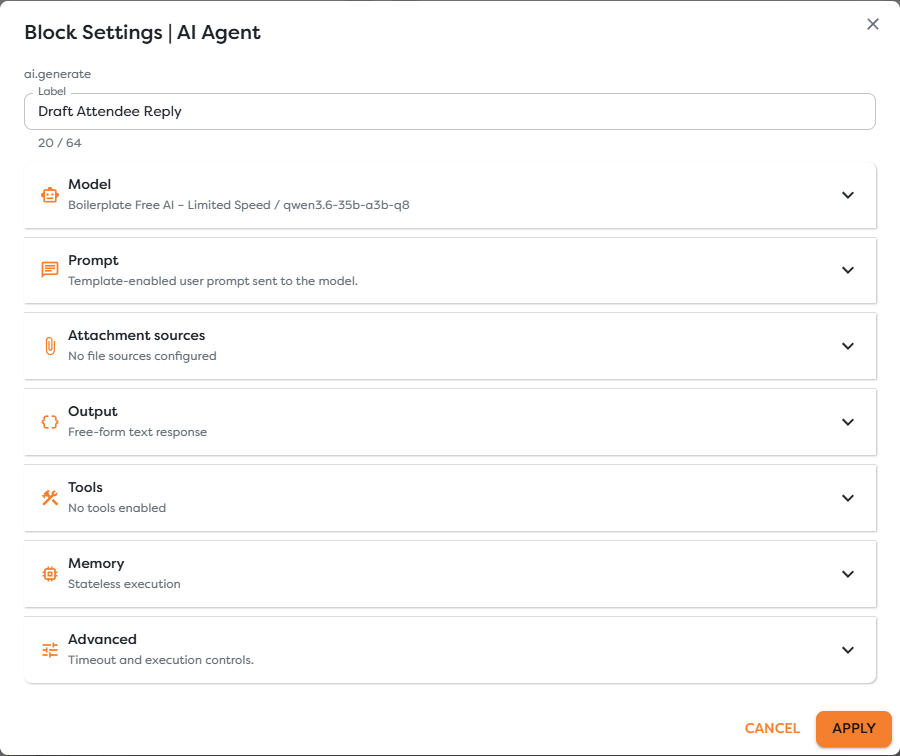
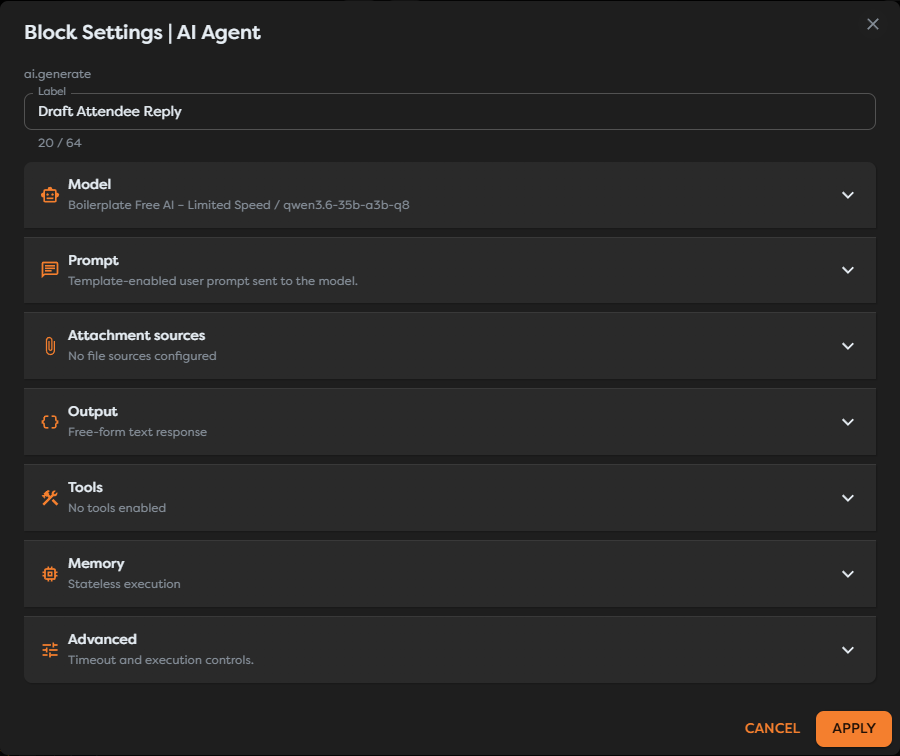
| Panel | Decision it controls |
|---|---|
| Model | Builders or private source, provider defaults, system prompt override, temperature, and maximum output tokens |
| Prompt | Template-enabled user instruction built from workflow input, Vault values, and run data |
| Attachment sources | Canonical File or File array values made available to a model that supports their media types |
| Output | Free-form text or a response constrained by a JSON Schema |
| Tools | Explicit actions the model may request, including tools backed by selected integrations |
| Memory | Stateless execution or retained conversation history keyed by a conversation identifier |
| Advanced | Provider timeout and execution controls |
AI Agent documentation
AI Agent will be documented as a nested section instead of one oversized article:
| Article | Scope |
|---|---|
| AI Agent Overview | End-to-end data flow, ports, configuration order, and the relationship between the detailed topics |
| Choose a Model Source and Control Usage | Builders Free, Builders Pro, private and team agents, defaults, context limits, compute tokens, AI tokens, and provider billing |
| Write Prompts and Tune Generation | Prompt templates, system prompt overrides, temperature, maximum tokens, timeouts, and prompt-data boundaries |
| Return Structured Output | JSON Schema, schema validation, downstream contracts, and failures caused by invalid model output |
| Use Conversation Memory | Conversation IDs, history limits, isolation between users or threads, stored exchanges, and stateless alternatives |
| Attach Files to an AI Agent | Canonical File and File array sources, model media capabilities, attachment modes, limits, and unsupported inputs |
| Configure Tools and Integrations | Tool allowlisting, integration selection, MCP enablement, permissions, side effects, and least-privilege design |
| Test Runs, Output, Usage, and Errors | Out and Error, tool-call inspection, usage, provider errors, timeouts, retries, and production verification |
This division follows the product settings while keeping cross-cutting runtime behavior in the overview and testing articles.
Design an AI step safely
- Define the exact task and the downstream output contract.
- Choose the model source according to capability, latency, cost, and credential ownership.
- Pass only the input and files required for that task.
- Prefer stateless execution unless the workflow has a stable conversation identifier and a clear need for history.
- Enable the smallest possible set of tools and integrations.
- Use structured output when downstream blocks require predictable fields.
- Connect and test the
Errorpath for provider, schema, tool, and timeout failures. - Inspect usage and external side effects before publishing.
Do not place provider credentials or unrelated sensitive data in prompts, schemas, labels, or screenshots. Store credentials in private or team AI-agent configuration and use Vault-backed values only where the model genuinely needs them.
Distinguish data access from tool access
Prompt data and tools are different capabilities:
- a template such as
{{input.registration.attendeeEmail}}gives the model that rendered value; - an attachment gives it the selected canonical File content when supported by the model;
- memory gives it retained messages for the resolved conversation ID;
- a tool gives it permission to request a specific operation during execution;
- an integration authorizes an integration-backed tool against an external service.
Selecting an AI model does not automatically grant Slack, Drive, email, database, or other integration access. Those capabilities must be enabled as tools and, where required, bound to an eligible integration.