File Blocks
File blocks move files between a running workflow and a storage location. Read File loads an existing file into the workflow as a canonical File value. Save File writes new content or copies a canonical File to another location.


The example above uses a useful staging pattern:
- Stage Registration File writes the trigger data to Context drive.
- Read Staged File reads and normalizes that file.
- Archive Registration receives
{{input.file}}and copies it to Static drive.
The same pattern can cross an integration boundary. For example, a workflow can read an object from AWS S3 and save the resulting canonical File to OneDrive.
Understand blocks, storage, and integrations
These three concepts have separate responsibilities:
| Element | Responsibility |
|---|---|
| File block | Defines the operation: read bytes from a path or save content to a path. |
| Storage type | Defines the namespace in which the path is resolved, such as the current run, Builders static storage, a drive, or an S3 bucket. |
| Integration | Holds the external service configuration and credentials that authorize the operation. |
An integration is not another workflow block and does not need a canvas connection. The File block stores a reference to the selected integration in its settings. At runtime, Builders uses that integration to perform the requested read or write operation.
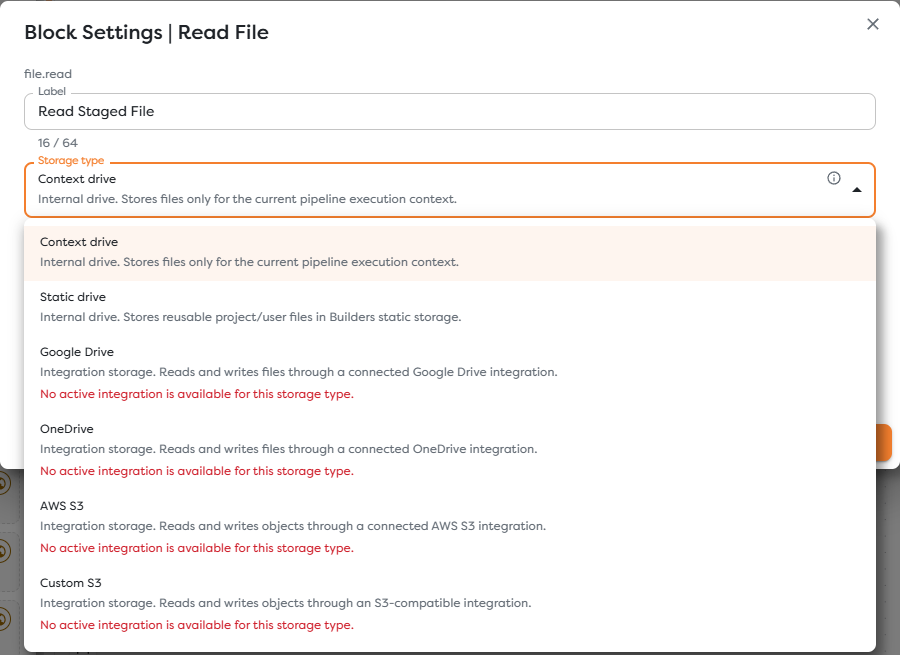
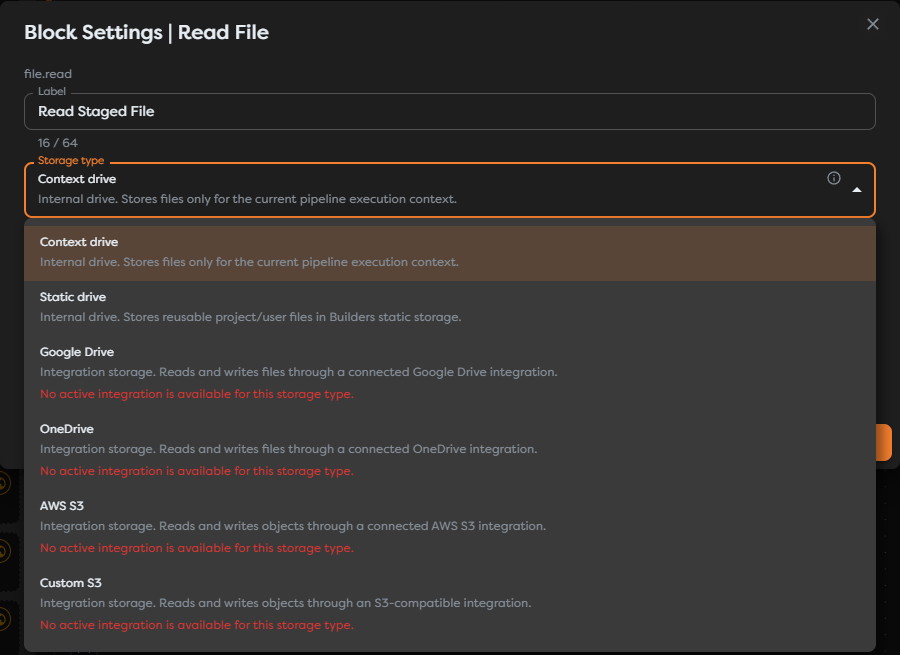
Internal drives are provided by Builders and therefore do not require an integration. External storage types expose a required integration selector.
Choose a storage type
| Storage type | Integration required | Path means | Typical use |
|---|---|---|---|
| Context drive | No | File path inside the current pipeline execution context | Temporary uploads, generated files, and intermediate artifacts used by one run |
| Static drive | No | Persistent Builders file path in the current project or user scope | Reusable templates, generated exports, and files needed by later runs |
| Google Drive | Google Drive | Path in the connected drive | Read or publish business documents in Google Drive |
| OneDrive | OneDrive | Path in the connected drive | Read or publish files in Microsoft storage |
| AWS S3 | AWS S3 | Object key in the bucket configured by the integration | Application assets, exports, archives, and data files in AWS |
| Custom S3 | Custom S3 | Object key in the bucket configured by the integration | S3-compatible object storage with a custom endpoint |
Context drive is isolated to one execution. Do not use it when another run must find the file. Static drive and external providers persist files beyond the current run.
Match the integration capability to the operation
Builders filters integrations according to the selected block and storage type:
| Storage | Read File requires | Save File requires |
|---|---|---|
| Google Drive | drive.read | drive.write |
| OneDrive | drive.read | drive.write |
| AWS S3 | s3.read | s3.write |
| Custom S3 | s3.read | s3.write |
Read and write access are evaluated separately. An integration can therefore be available to Read File but unavailable to Save File. This is expected when its account, token, or configured capability is read-only.
The integration must also be accessible in the ownership scope of the project. A personal project does not automatically gain access to a team integration, and moving or importing a pipeline can leave a File block without a valid selection.
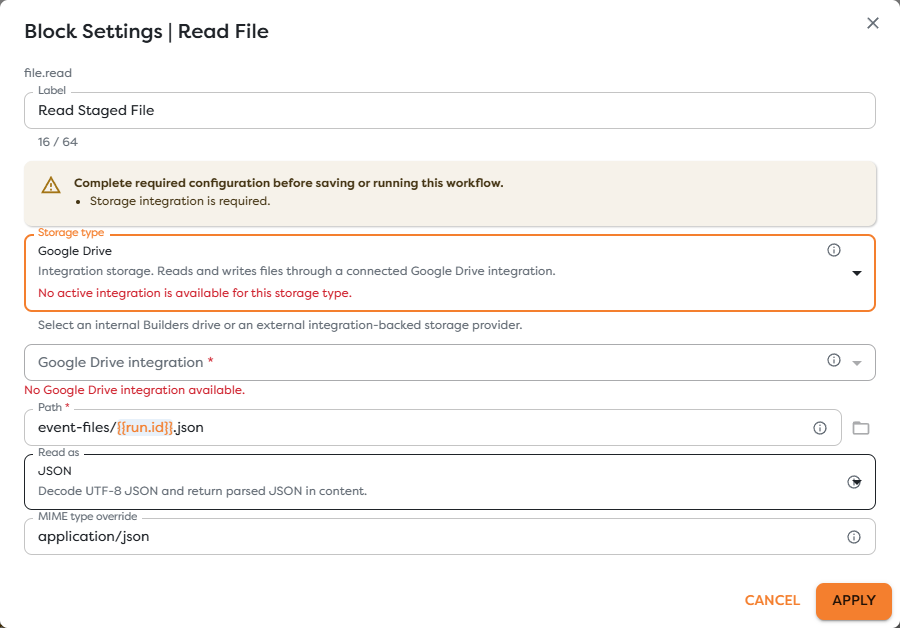
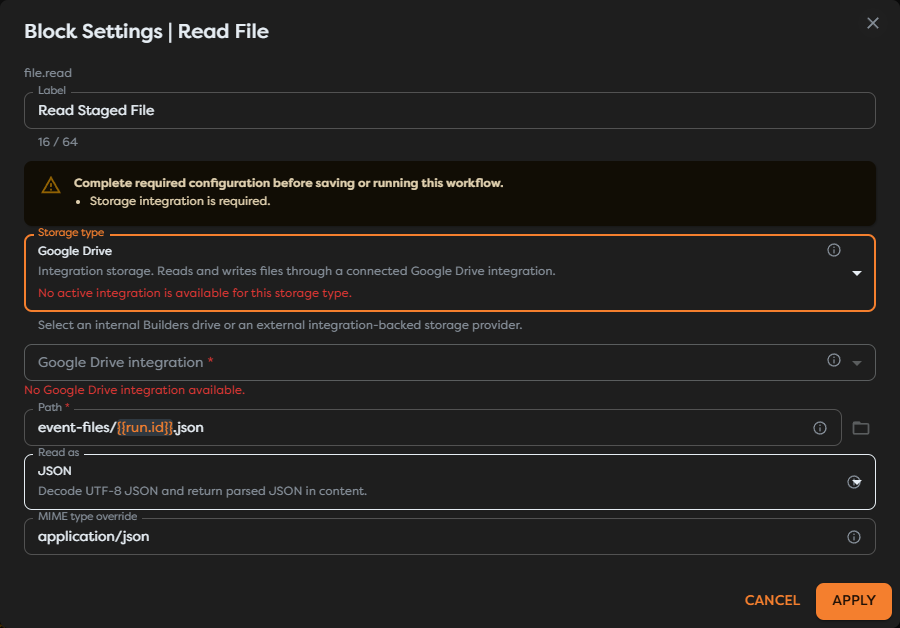
Keep provider credentials, endpoints, bucket configuration, and authorization scopes in the integration. Keep only the integration selection, path template, read mode, and write content in the block.
Move files between storage locations
Read File returns a provider-independent canonical File. Save File accepts that value in File reference mode. Together they form a storage adapter pair:
source path -> Read File -> canonical File -> Save File -> destination path
Use the exact template {{input.file}} in Save File when it is connected directly to Read File. The canonical value preserves the file bytes and descriptive data, so you do not have to convert binary content to text or manually rebuild provider-specific objects.
This separation is important:
- the source integration authorizes the read;
- the destination integration authorizes the write;
- the workflow connection carries the canonical File, not either provider's credentials;
- changing the destination does not require changing how the source file is decoded.
Build runtime paths
Path fields support template expressions. Include a stable identifier when every run should create a distinct file:
event-registrations/{{run.id}}.json
Use a fixed path only when replacing the previous file is intentional. For S3 storage, the path is an object key. For Google Drive and OneDrive, it is a provider path. The folder picker is available for Static drive and for supported external storage after an integration has been selected; Context drive paths are entered directly.
Handle failures deliberately
Before publishing, test the workflow with the same storage type and integration that production will use. Verify both the block run and the target service.
Common failures include:
- Storage integration is required: select an external integration in the File block.
- No active integration is available: create or enable a compatible integration in the project's ownership scope.
- Capability is unavailable: grant or configure read access for Read File or write access for Save File.
- File cannot be found: check the rendered path, drive, bucket, and letter case.
- Access is denied: check the external account's folder, drive, bucket, object, and sharing permissions.
- A copied pipeline fails: reselect integrations after importing, duplicating, or changing project ownership.