
If
The If block evaluates one comparison and routes the workflow through either its true or false output. Use it for binary decisions such as confirmed versus pending, enabled versus disabled, or above versus below a threshold.
Configure the comparison
Add If from the Condition category and open its settings.
Complete these fields:
| Field | Purpose | Example |
|---|---|---|
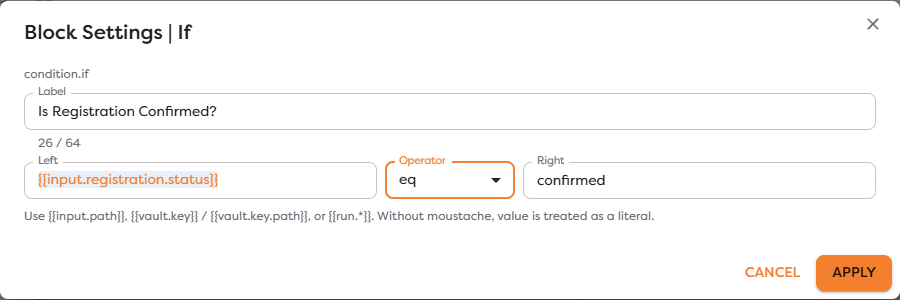
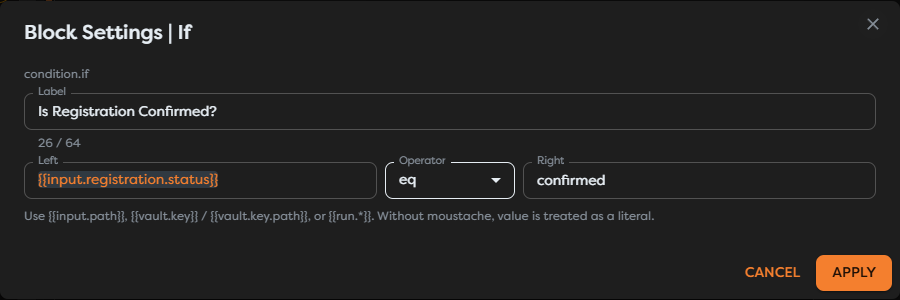
| Left | The value to inspect. It can be a literal or template. | {{input.registration.status}} |
| Operator | The comparison to perform. | eq |
| Right | The value to compare against. It can also be a template. | confirmed |
The exists operator checks only whether the resolved left value exists, so it does not require a meaningful right value. For the other operators, configure both operands.
Connect both outcomes
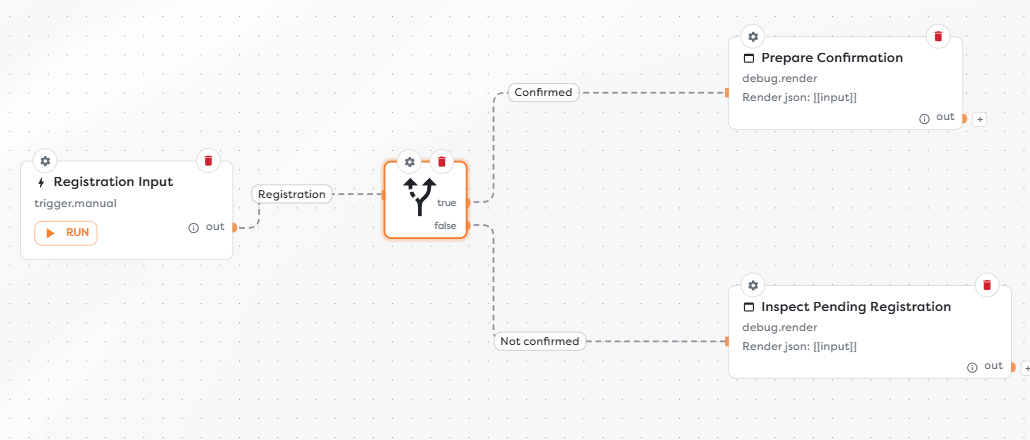
The If block exposes exactly two outputs:
trueruns when the comparison matches;falseruns when it does not match.
Connect both outputs when both outcomes require handling. A false result is a normal routing decision, not a failed block.
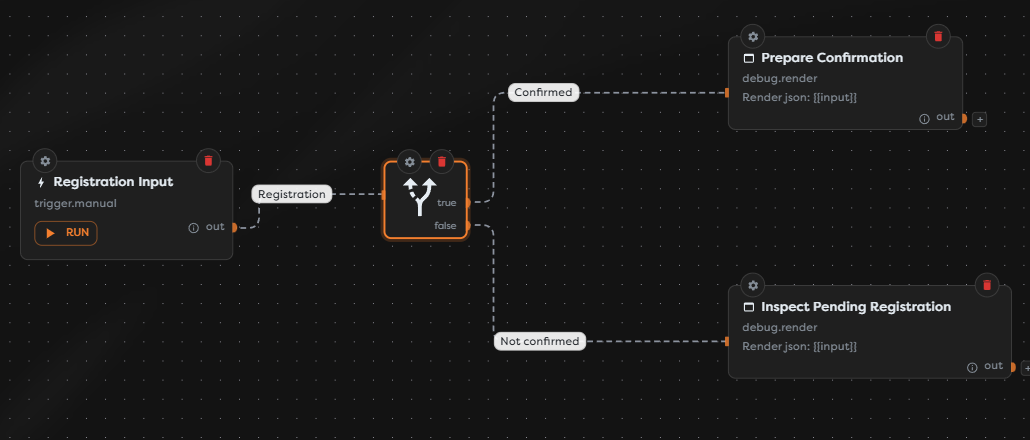
For example, a registration workflow can send true to Prepare Confirmation and false to Inspect Pending Registration. Rename the connections to describe the business meaning, such as Confirmed and Not confirmed; the output keys remain true and false.
Use templates and types
Templates are resolved immediately before the comparison. Common sources include:
{{input.registration.status}}
{{vault.event.registrationThreshold}}
{{run.id}}
Use values of the intended type on both sides. If a trigger supplies "100" as text but the decision is numeric, normalize it before the If block rather than relying on implicit conversion.
Inspect the output
The selected path receives the previous block data under input, details of the comparison under if, and the selected output under __route:
{
"input": {
"registration": {
"status": "confirmed"
}
},
"if": {
"result": true,
"operator": "eq",
"left": "confirmed",
"right": "confirmed"
},
"__route": "true"
}
Downstream blocks can continue to reference the preserved data through {{input...}}.
Test the block
- Run the workflow with an input that should select
true. - Inspect the If output and confirm
if.resultand__route. - Repeat with an input that should select
false. - Test a missing left value when it can occur in production.
- Verify that only the block connected to the selected output runs.
Troubleshoot If
- The wrong path runs: inspect the resolved
if.left,if.right, andif.operatorvalues in the block output. - A numeric comparison behaves unexpectedly: normalize text-form numbers before the condition.
- The false path stops the workflow: connect the
falseoutput to an explicit fallback or review step. - A template is returned literally: verify the expression path and syntax in Use Template Expressions.
- The block does not run: confirm that an upstream connection reaches its input.