
General Vault
General Vault stores reusable configuration values that workflows resolve at execution time. Entries can be personal or team-owned and can hold simple, JSON, or dotenv-style data.
Create an entry
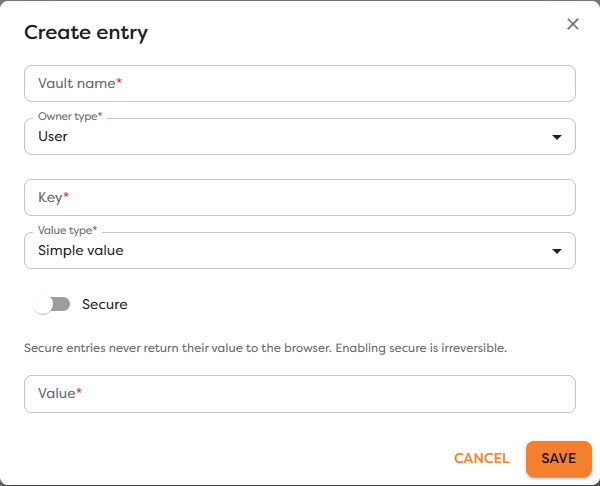
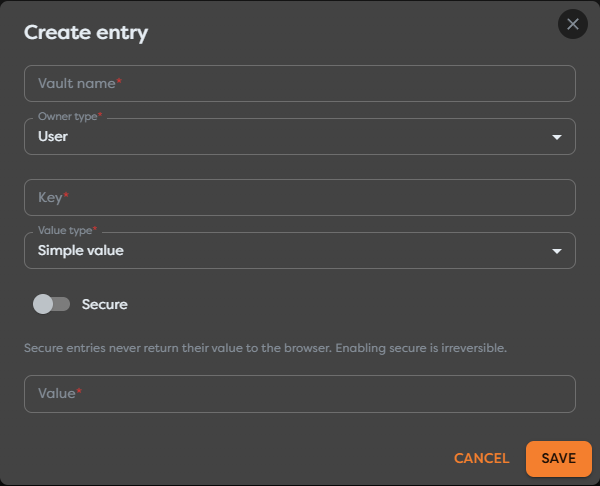
Open General Vault, create an entry, and configure:
| Field | Purpose |
|---|---|
| Vault name | Human-readable name used to identify the stored configuration |
| Owner type | Personal or team scope that controls project visibility |
| Key | Case-sensitive name used after vault. in expressions |
| Value type | Simple, JSON, or dotenv-style parsing |
| Secure | Prevents the stored value from being returned to the browser |
| Value | The configuration source parsed according to the selected type |
Choose a stable, descriptive key such as eventVenue or eventConfig. Keys must remain unambiguous in the selected ownership scope. Renaming or replacing a key requires updating every dependent workflow expression.
Choose a value type
| Type | Example source | Reference example | Use for |
|---|---|---|---|
| Simple | New York Expo | {{vault.eventVenue}} | One string or scalar-like setting |
| JSON | {"venue":{"city":"New York"}} | {{vault.eventConfig.venue.city}} | Nested structured configuration |
| Environment | API_BASE_URL=https://example.com | {{vault.eventRuntime.API_BASE_URL}} | Several dotenv-style key-value settings |
Environment values follow dotenv-style KEY=value conventions. Review the dotenv format reference for quoting, comments, and multiline behavior, then test the actual value in Builders before publishing.
Validate JSON before saving it. A syntax error or unexpected nested type prevents expressions from resolving as expected.
Reference a General Vault value
Start the expression with vault, then append the entry key and any nested path:
{{vault.eventVenue}}
{{vault.eventConfig.venue.city}}
{{vault.eventRuntime.API_BASE_URL}}
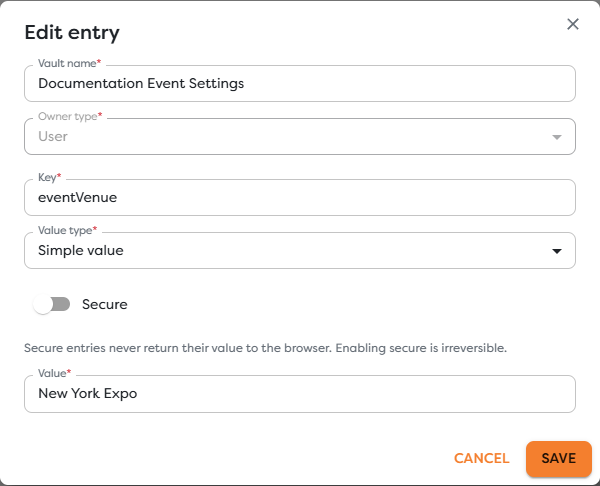
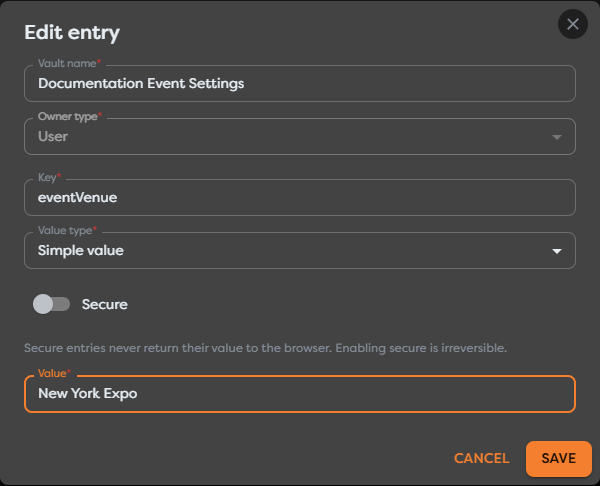
In a template field, autocomplete exposes entries available to the current workflow scope:
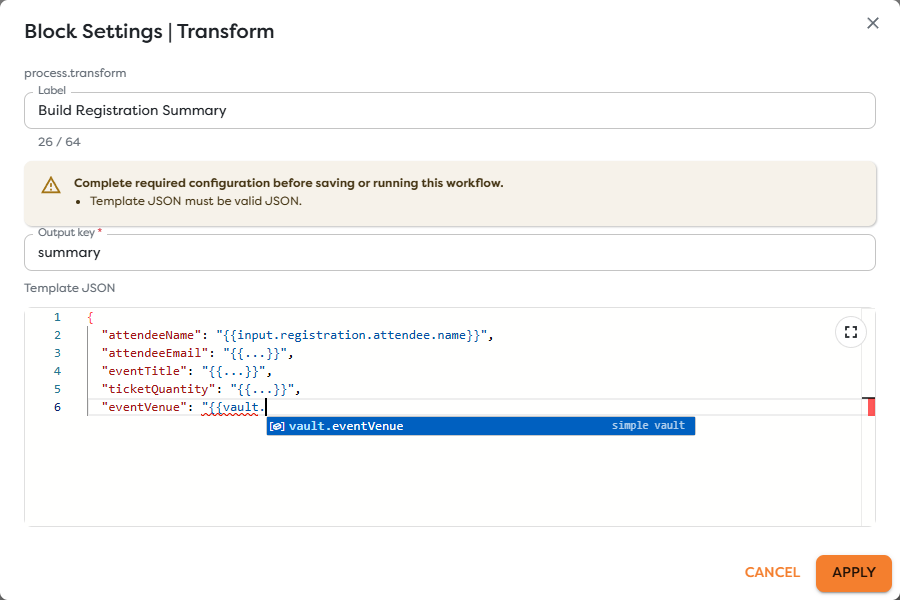
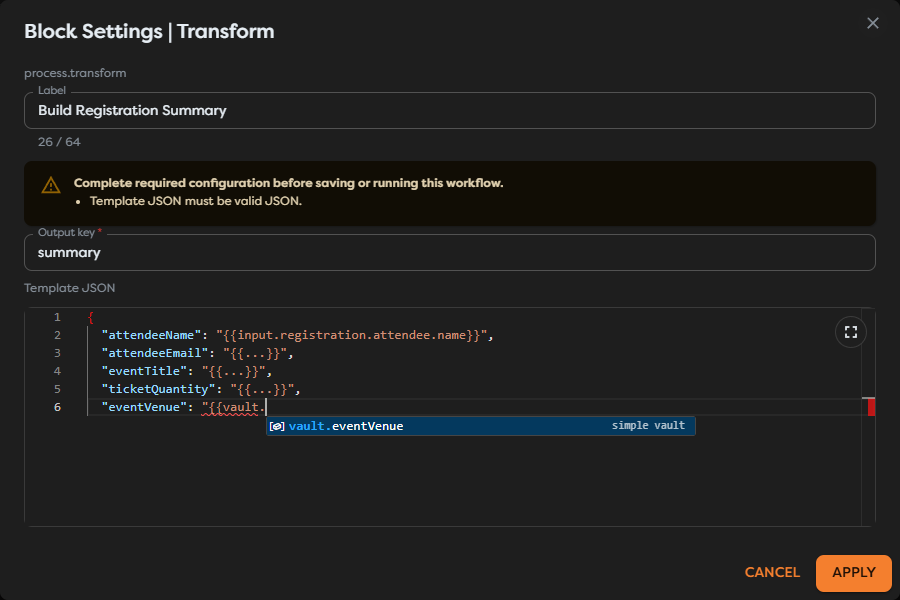
For example:
{
"eventVenue": "{{vault.eventVenue}}"
}
resolves to the stored value during the run. The Vault name is not part of the expression; the entry Key is.
Use Secure entries
Enable Secure for passwords, tokens, signing secrets, and other values that must be resolved only by the workflow executor. Secure entries do not return their value to the browser, and enabling Secure is irreversible for that entry.
- Do not expect autocomplete or a settings preview to reveal a secure value.
- Do not return the value from Code, Render, logs, errors, or a public trigger response.
- Use a dedicated integration instead when Builders provides provider-specific credential fields and permission handling.
- Replace a secure entry when its value must change and verify every dependent workflow.
Secure storage reduces accidental browser exposure. It does not make downstream disclosure safe if a workflow deliberately sends the secret to another service.
Rotate or remove a value
- Inventory workflows that reference the key.
- Create or update the replacement in the correct owner scope.
- Test each dependent workflow without logging the value.
- Publish updated versions where required.
- Remove the obsolete entry only after all references have moved.
If a workflow is imported or moved to another owner, recreate an equivalent entry in the destination scope and reconnect or update the affected configuration. Importing a schema does not copy Vault values.
Troubleshoot General Vault
- Autocomplete does not show the key: verify spelling, capitalization, project ownership, and team access.
- A nested value is missing: inspect the JSON or environment structure and use its exact path.
- The value cannot be previewed: secure entries intentionally remain unavailable to the browser.
- A copied workflow fails: create the required entry in the destination scope and verify its key and type.
- A value appears in logs: remove the logging path, rotate the exposed secret, and retest with redacted output.