Condition Blocks
Condition blocks route a workflow according to runtime data. They do not replace the incoming payload. Instead, they evaluate configured values, expose one named output, and pass the input to the selected path together with routing metadata.
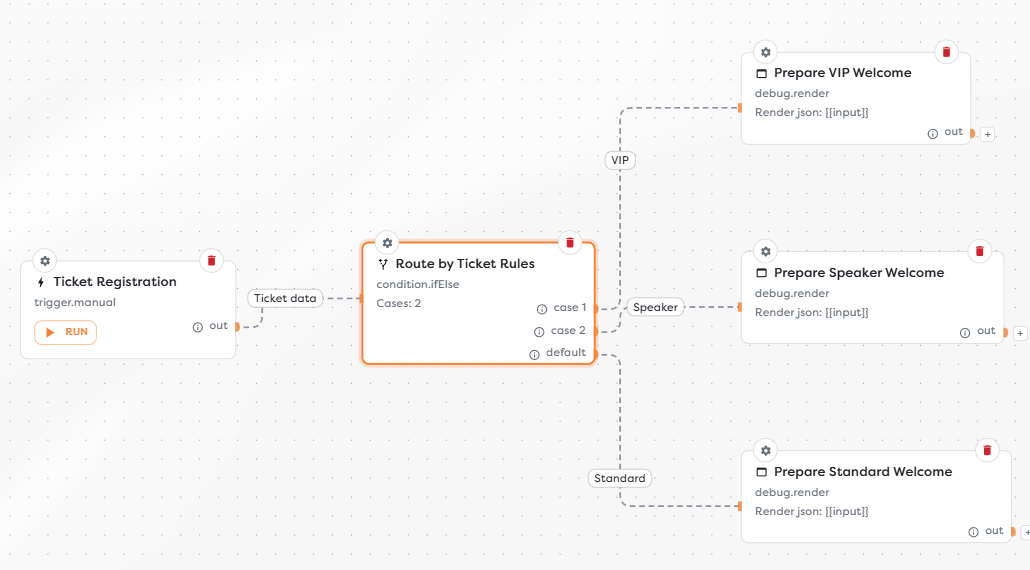
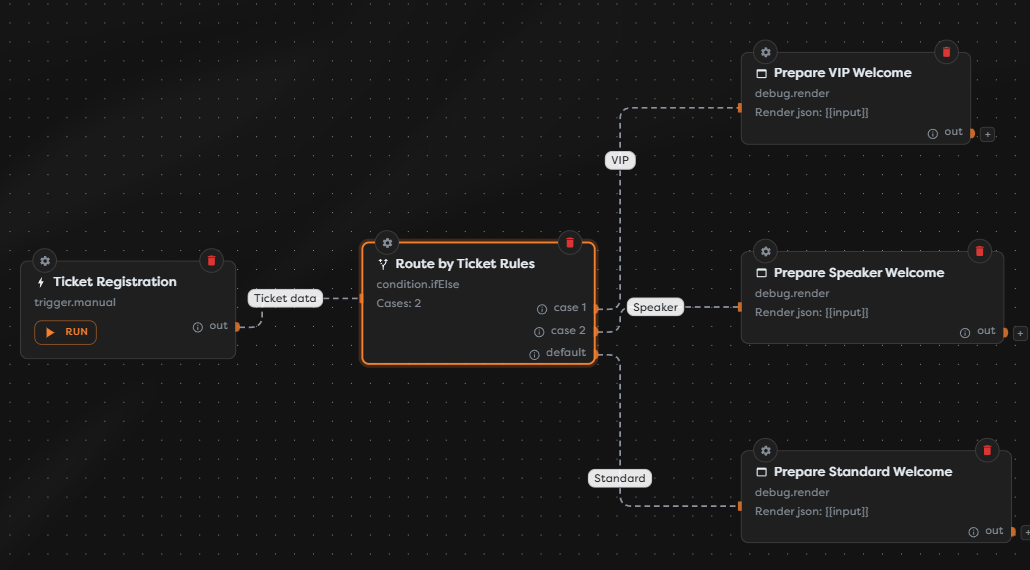
Choose a condition block
| Block | Use it when | Outputs |
|---|---|---|
| If | One comparison should choose between two paths. | true, false |
| If / Else | Several ordered values should be compared with the same operator. | One output per case, plus a default output |
| Switch | One value should be matched exactly against several named cases. | One output per case, plus a default output |
Use If for a binary decision such as whether a registration is confirmed. Use If / Else when every case uses the same comparison rule, but more than two outcomes are required. Use Switch for direct dispatch by a status, type, category, or other exact value.
Work with resolved values
Condition fields accept literals and template expressions. Templates are resolved when the block runs, so a comparison can use values from the current input, General Vault, or run metadata:
{{input.registration.ticketType}}
{{vault.event.defaultTrack}}
{{run.id}}
Keep the compared values compatible. For example, compare a numeric input with a number and a text status with text. If a value arrives in an unexpected shape, normalize it with a Transform block before routing.
Available operators
If and If / Else provide the following operators:
| Operator | Matches when |
|---|---|
eq | Left and right values are equal. |
neq | Left and right values are not equal. |
gt | The left value is greater than the right value. |
gte | The left value is greater than or equal to the right value. |
lt | The left value is less than the right value. |
lte | The left value is less than or equal to the right value. |
contains | The left value contains the right value. |
exists | The left value exists; a right value is not required. |
Switch always uses exact equality. Choose If / Else when cases require another operator such as contains or a numeric comparison.
Connect routed outputs
Only the selected output continues for a given block execution. Connect every output that the workflow is expected to handle, including the default output on If / Else and Switch.
Do not use Wait for all to merge mutually exclusive condition paths: only one of those paths receives input, while Wait for all expects all connected inputs. Continue each route independently, or restructure the workflow so that every path that enters Wait for all can complete.
Test routing
Run the draft with an input for every configured outcome:
- Confirm which output was selected.
- Inspect the condition block output and its
__routevalue. - Verify that only the intended downstream blocks ran.
- Test missing and unexpected values, not only expected matches.
- Confirm that the default path handles values that no case matches.
For detailed inspection, see Test Runs in the Designer and Block Logs and Output.