Getting Started
Builders is a visual workflow automation platform for creating, testing, and publishing processes from connected blocks. This section takes you from the first project to a working automation and explains where to find the tools you will use along the way.
The Builders workflow
Most work in Builders follows the same path:
- Create a project to group related pipelines and define whether their resources belong to you or a team.
- Create a pipeline for one automation, business process, or public workflow.
- Design the workflow by adding blocks, configuring them, and connecting their output and input ports.
- Save and test the draft, then inspect the run and individual block output.
- Publish a version when the workflow is ready to respond to live triggers.
The project list shows each project's owner, pipeline count, running pipelines, and creation date. Start here when you want to open an existing automation or create a new project.


What you build
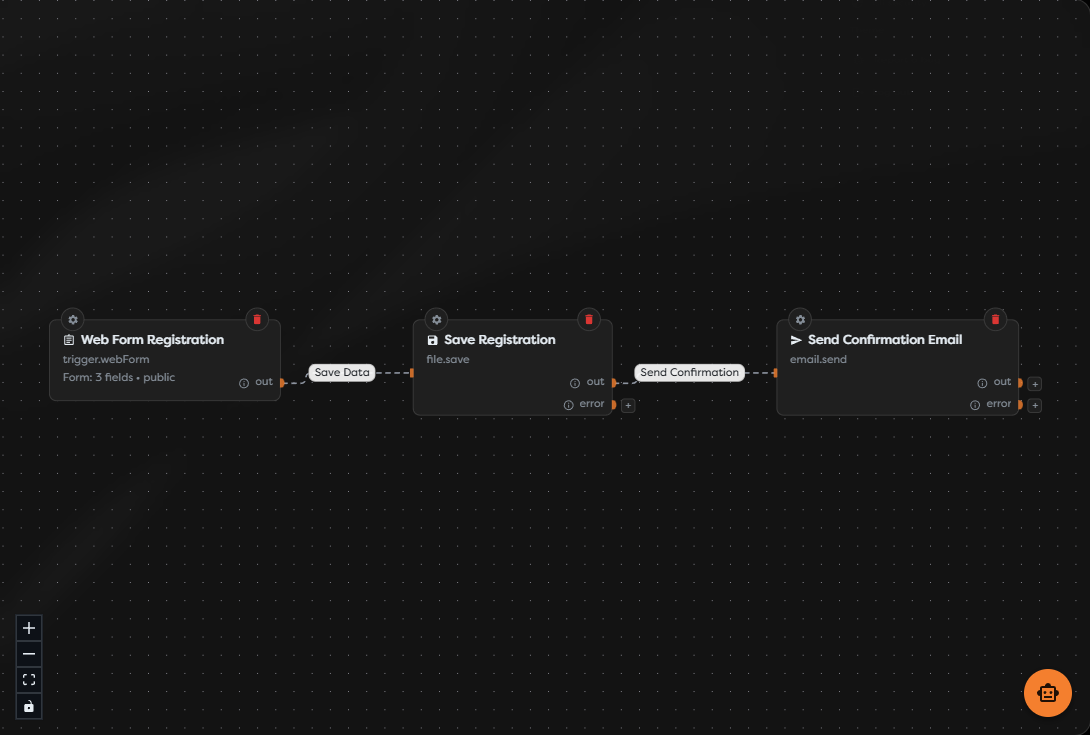
A pipeline is a directed diagram. A trigger starts the run, data follows the connections, and each block performs one step. The example below accepts a public registration form, saves the submitted data, and sends a confirmation email.
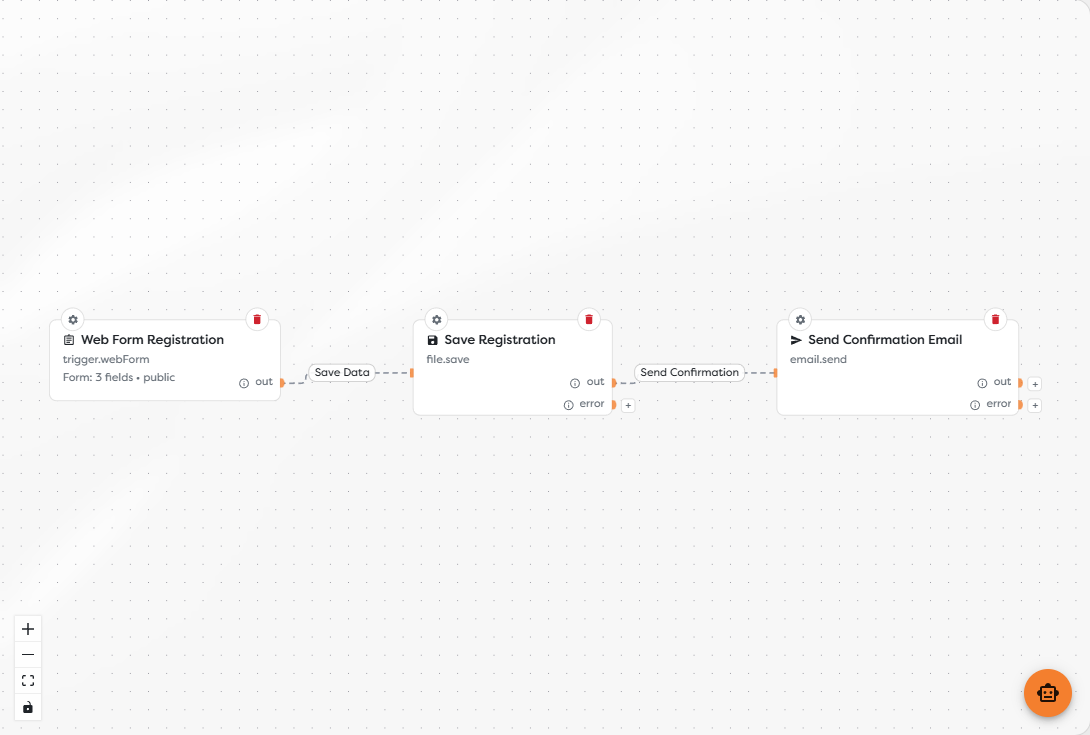
The Designer is intended for a desktop-sized browser. Before publishing, save the current version and use a test run to verify block inputs, outputs, and errors. A published version remains separate from later draft changes until you publish again.
Start here
- What Is Boilerplate Builders? explains the product model, team collaboration, integrations, data resources, workflow lifecycle, and limits.
- Create Your Account and First Workflow walks through registration and a first successful test run.
- Dashboard Overview explains dashboard information and shortcuts.
- Navigate Builders maps the main product areas.
- Publish Your First Automation turns a tested draft into a live workflow.
If you already understand the basics, continue with the Workflow Designer Overview.