
Context Drive
Context Drive is temporary file storage isolated to one workflow run. Use it to pass uploads, generated documents, or other file-shaped data between blocks without creating a durable asset.
Compare Context and Static Drive
| Behavior | Context Drive | Static Drive |
|---|---|---|
| Lifetime | Current workflow run | Persists across runs |
| Browse from the Drive page | No | Yes |
| Integration required | No | No |
| Typical path | event-files/registration.json | event-exports/{{run.id}}.json |
| Typical use | Intermediate processing | Reusable or durable artifacts |
Context paths belong only to the active run. A later run cannot use a Context Drive path from an earlier execution. Save any required result to Static Drive, a database, or an external storage integration before the run ends.
Stage an intermediate file
Select Context drive in Save File and provide a run-local path. For example:
event-files/{{run.id}}.json
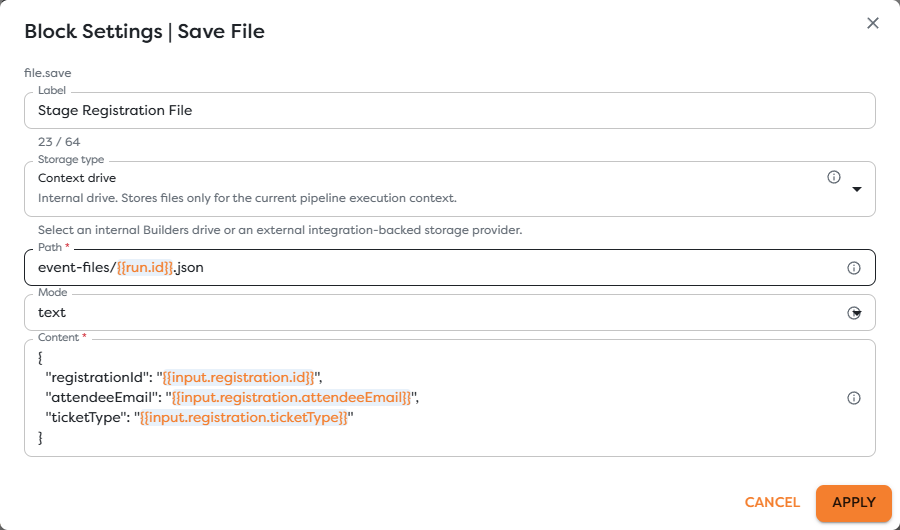
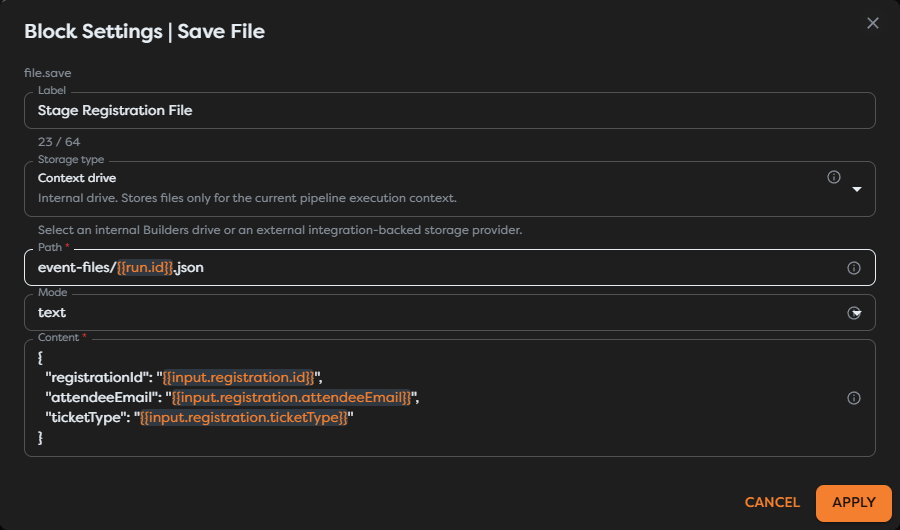
Connect the normal Out route to the block that consumes the file. Use a unique path when parallel branches or loop iterations may write at the same time.
Read the staged file
Select Context drive in Read File and use the same rendered path. Context Drive has no folder picker because its files are created while the workflow executes.
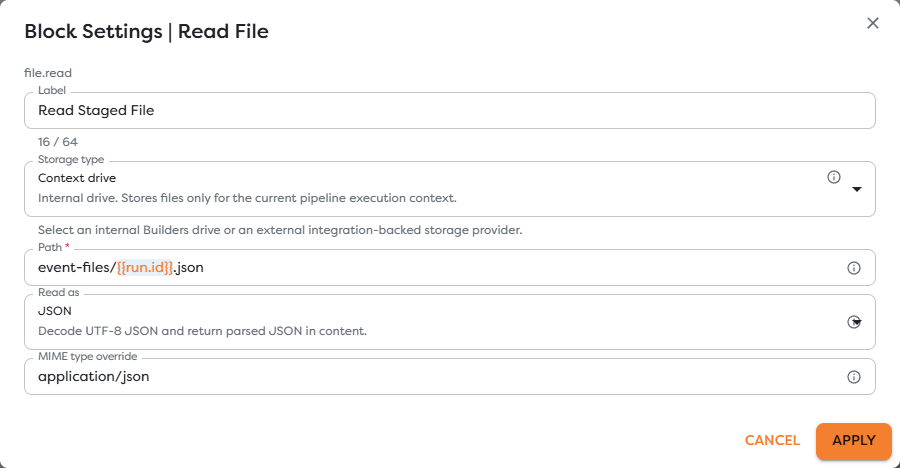
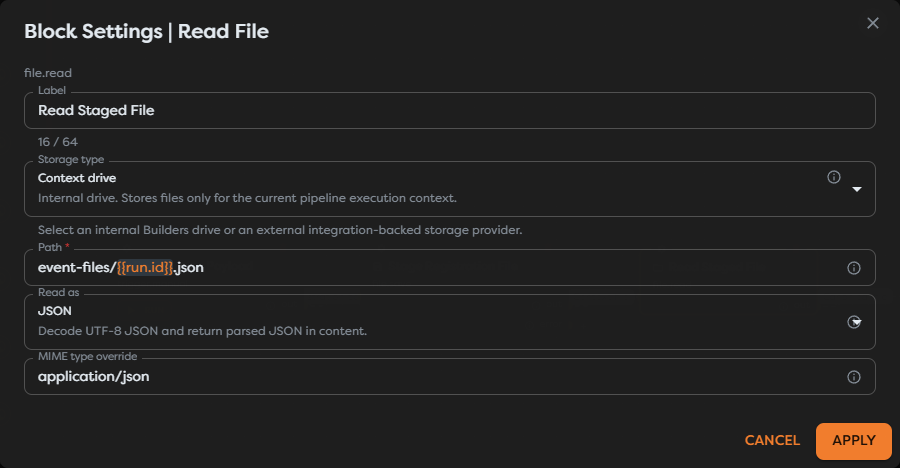
Choose an explicit Read as mode when downstream logic depends on a specific type. JSON parses UTF-8 JSON, Text returns a string, and binary modes preserve bytes for file-aware blocks.
Pass a canonical File
Read File exposes a provider-independent File value. Connect it to Save File and use this exact expression in File reference mode:
{{input.file}}
The workflow edge carries content and descriptor data, not a storage credential. The destination block decides whether that File is written to Static Drive, Google Drive, OneDrive, S3, or another supported location.
Use the same canonical File contract for uploads and other file-aware blocks. Inspect a test run before depending on optional metadata because providers may expose different identifiers.
Use Context Drive from Code
Code blocks can work with run-local files through the Builders runtime file-system API. Use ctx.fs() instead of assuming access to an operating-system path. For byte representations and file descriptors, see Builders Runtime API.
Keep this boundary explicit: a Context Drive path is a Builders runtime path, not a path on the worker host and not a path on the user's computer.
Design for the run lifecycle
- Write the file before any branch that reads it.
- Use unique paths for loop iterations and concurrent branches.
- Connect error routes when a missing or invalid file must be handled.
- Avoid storing credentials or long-lived configuration in a temporary file.
- Persist required outputs before the run completes.
- Do not publish a URL or identifier that depends on a Context Drive file remaining available later.
Troubleshoot Context Drive
- The file is not found: confirm that the write completed in the same run and that both rendered paths match exactly.
- Another branch reads too early: connect the blocks to establish execution order or synchronize branches before reading.
- A file is overwritten: add
{{run.id}}, an item identifier, or a loop-specific segment to its path. - JSON parsing fails: inspect the saved UTF-8 source and choose Text when parsing should occur downstream.
- A later run cannot read the file: use Static Drive or an external persistent provider instead.