
Builders Runtime API
The Builders Runtime API is the curated execution surface available to JavaScript and TypeScript in a Code block. A script exports one asynchronous run(input, ctx) function, receives workflow data in input, uses approved services through ctx, and returns the value passed through Out.
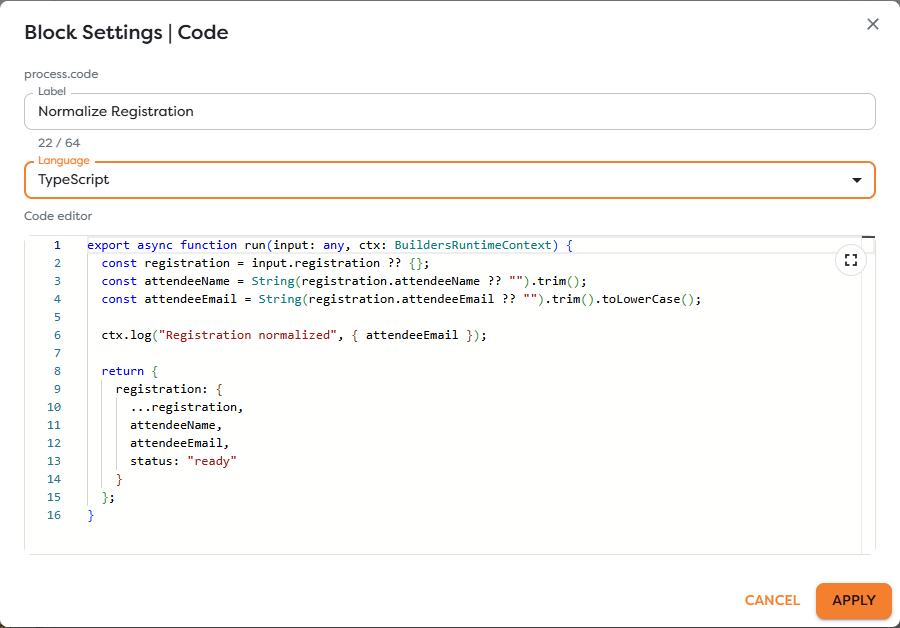
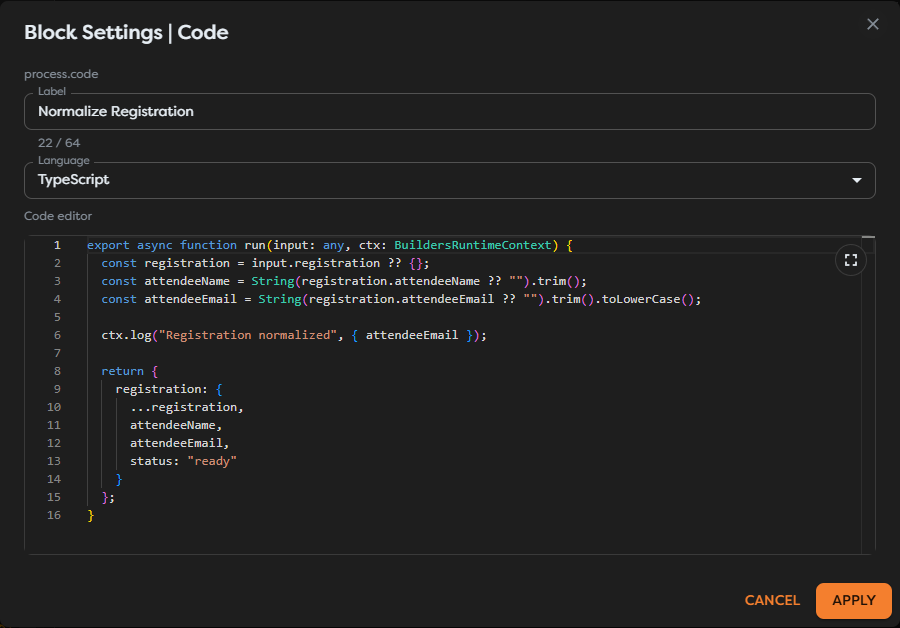
export async function run(
input: unknown,
ctx: BuildersRuntimeContext
) {
ctx.log.info("Processing input");
return input;
}
Runtime overview
Code runs in a restricted ES2020-compatible sandbox. require, dynamic imports, process, arbitrary Node.js modules, and browser DOM APIs are unavailable. Use the runtime context for network, storage, database, Vault, logging, and clock access.
Await asynchronous operations and throw when the block cannot produce its successful output. Logging an error does not fail a block by itself.
Context quick reference
| Member | Purpose | Reference |
|---|---|---|
ctx.log, .info, .warn, .error | Write bounded messages to the current block execution | ctx.log |
ctx.fetch(url, init?) | Make an HTTP request and decode text, JSON, base64, Buffer, or ByteArray | ctx.fetch |
ctx.fs(kind?, integrationName?) | Access Context Drive, Static Drive, Google Drive, OneDrive, AWS S3, or Custom S3 | ctx.fs |
ctx.db.getConnection(name) | Resolve a saved SQL or MongoDB connection | ctx.db |
ctx.vault.get(name, type?) | Resolve a visible protected resource | ctx.vault |
ctx.now() | Read the runtime clock in milliseconds | ctx.now |
The runtime context members and their supported use are documented in Builders Runtime Context.
Supported output values
Return finite JSON-compatible values, canonical File descriptors, or tagged ByteArray values. Do not return functions, cyclic objects, unresolved promises, arbitrary class instances, NaN, infinity, a runtime client, or a raw Buffer.
File
A Builders File is a provider-independent storage descriptor:
type File = {
type: "File";
storage:
| "context"
| "static"
| "google_drive"
| "onedrive"
| "aws_s3"
| "custom_s3";
path: string;
name: string;
mimeType: string;
size: number;
scopeId?: string;
integrationName?: string;
lastModified?: string;
};
It is not the browser File class, a public URL, or raw content. Pass it between file-aware blocks or to ctx.fs() methods that accept string | File. Keep its storage and ownership metadata intact.
Binary data
ByteArray is the serializable tagged representation for bytes:
type ByteArray = {
type: "ByteArray";
data: number[];
};
The curated Buffer class is available for in-block byte operations. Create or decode data with methods such as Buffer.fromString, Buffer.fromBase64, and Buffer.fromByteArray, then return buffer.toByteArray(), toBase64(), toHex(), or toString() as required downstream. A raw Buffer is not a workflow output value.
Resource scope
Runtime access follows the current project and owner scope. Knowing a resource name does not grant access. A moved pipeline, removed team permission, renamed integration, unavailable database, or different published version can change whether the same code succeeds.
Keep credentials in Vault or integrations, validate untrusted input before using it in URLs, paths, SQL, HTML, or provider commands, and avoid logging secrets or complete payloads.
Prefer a dedicated block when available
Use Web Request, DB Query, Read File, Save File, or another purpose-built block when it expresses the operation directly. Use runtime code when conditional request construction, multiple related operations, or deterministic processing genuinely requires a programmatic boundary.