
If / Else
The If / Else block compares one left value with an ordered list of case values using a shared operator. The first matching case selects its named output. When no case matches, the block selects the default output.
Use it when a workflow needs several related comparison branches, such as VIP, speaker, and standard registration handling.
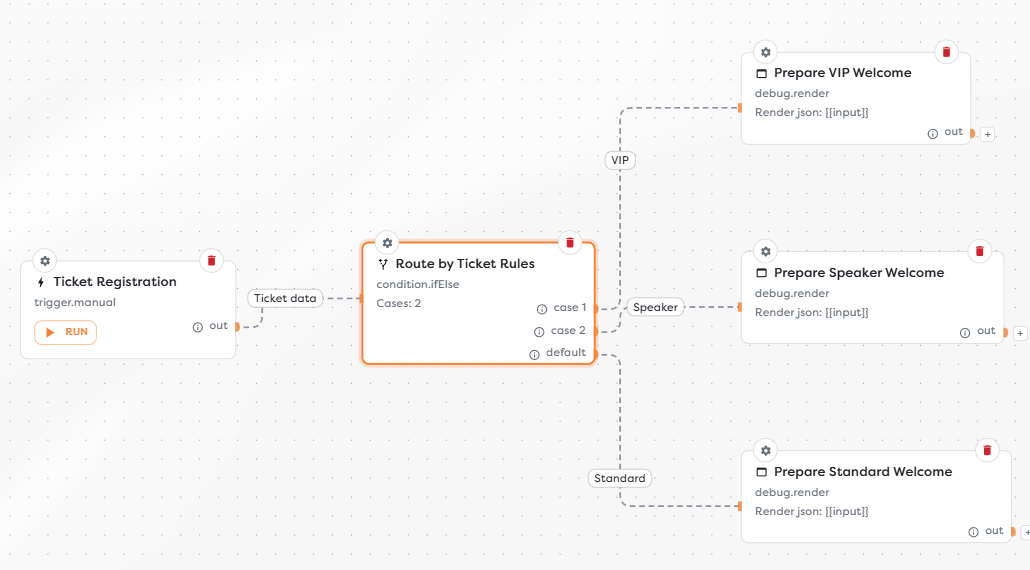
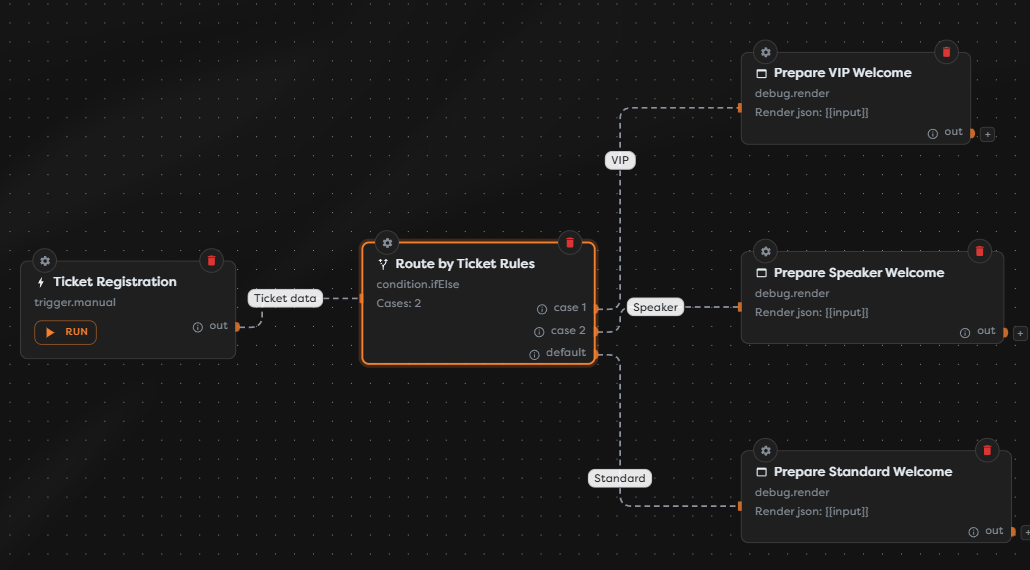
Configure ordered cases
Add If / Else from the Condition category and open its settings.
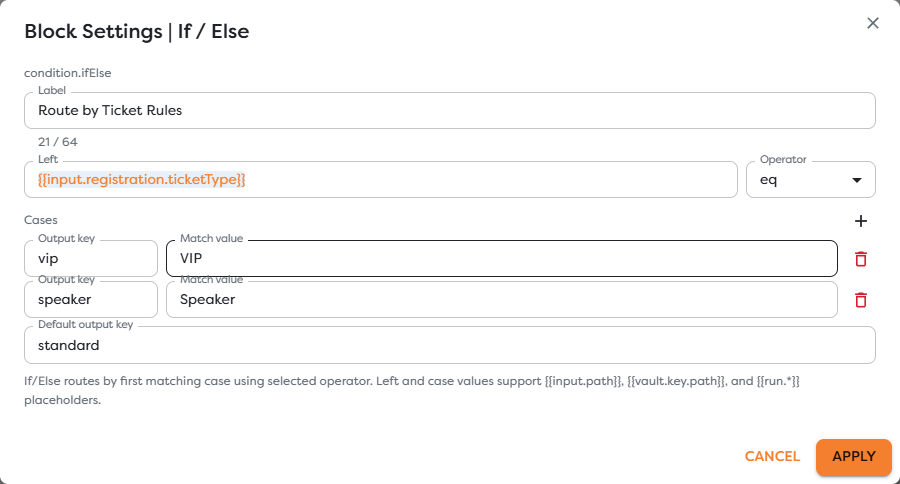
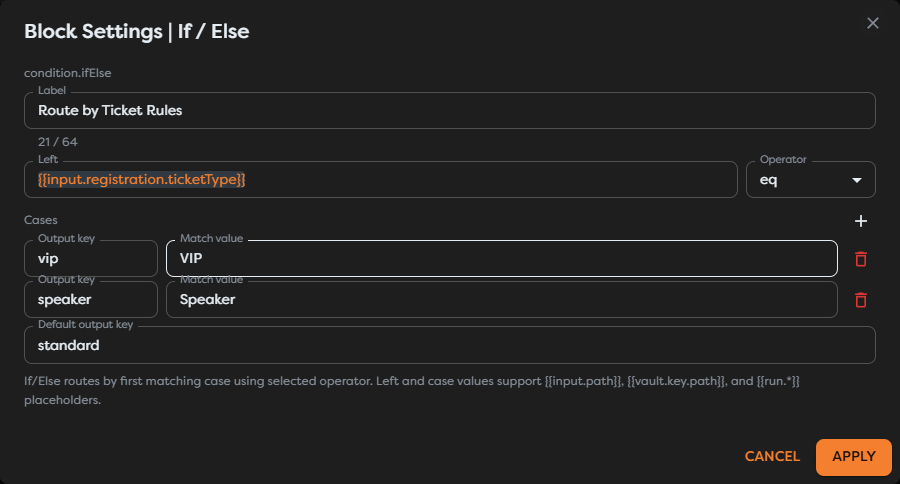
Configure the block from top to bottom:
| Setting | Purpose | Example |
|---|---|---|
| Left | The value evaluated by every case. | {{input.registration.ticketType}} |
| Operator | The comparison applied between Left and each case value. | eq |
| Output key | The stable name of the case output. | vip |
| Match value | The literal or resolved value for this case. | VIP |
| Label | A readable description of the case. | VIP Guest |
| Default output key | The output used when no case matches. | standard |
Add cases in priority order. Evaluation stops at the first match, so place a narrow or higher-priority case before a broader case when the selected operator could match both.
Output keys must be unique and should remain stable after downstream connections are added. Labels can describe the business meaning without changing the key used in runtime data.
Understand matching
All cases use the selected operator. For example, with eq, the left ticket type is compared first with VIP, then with Speaker. Any other value selects the standard default output.
Choose If / Else instead of Switch when cases require neq, gt, gte, lt, lte, contains, or exists. Use Switch when every case is an exact match and that simpler intent is clearer.
Use a default path
The default output is part of the routing contract. Connect it to a valid fallback even when current upstream validation appears to restrict the possible values. A new value, missing field, or changed capitalization can otherwise end the workflow at the condition.
Do not connect mutually exclusive case outputs to Wait for all. Only one case runs for one execution, so the other required inputs would never arrive.
Inspect the output
The selected path receives the previous data under input, matching details under ifElse, and the selected key under __route:
{
"input": {
"registration": {
"ticketType": "Speaker"
}
},
"ifElse": {
"matchedCase": "speaker",
"defaultCase": "standard"
},
"__route": "speaker"
}
When no case matches, __route contains the default output key and the matching metadata identifies the default selection.
Test every route
- Run one input for each case and confirm its named output.
- Run an unexpected value and confirm the default output.
- Test a missing left value if the source field is optional.
- Inspect
__routeand theifElsemetadata. - Verify that no block on an unselected route runs.
Troubleshoot If / Else
- A later case never runs: an earlier case also matches; reorder or narrow the cases.
- The default path runs unexpectedly: inspect the resolved left value, case values, capitalization, and types.
- A connection is hard to identify: give each output key and connection a clear, distinct name.
- A case works in one test only: check whether the source value is optional or arrives in more than one format.
- Downstream work waits forever: remove Wait for all from the merge of mutually exclusive outputs.